Application Guide
When used as a system application, TerminalTextEffects produces animations on text passed to standard input or
through the -i argument. Pipes and redirection both pass data through standard input.
Invocation Examples
To edit text and preview effects interactively, run tte with no effect. See
Interactive Interface.
Command Syntax
TTE has global terminal options as well as effect-specific options. Global options go before the effect name, and effect options go after it:
Use -h in place of the global options or the effect options to show the global or effect help, respectively.
The example below passes the output of the ls command to TTE with the following options:
-
Global options:
- Wrap text that is wider than the terminal.
- Replace tabs with 4 spaces.
-
Effect options:
- Use the slide effect.
- Merge the groups.
- Set the movement speed to 2.
- Group by column.
ls | tte --wrap-text --tab-width 4 slide --merge --movement-speed 2 --grouping column
Shell Completion
New in 0.16.0
PowerShell 7+ completion is available on development main. The published 0.15.0 package provides Bash and Zsh
completion, generated at run time, which also includes custom effects.
Completion is available for Bash, Zsh, and PowerShell 7+. Run tte --print-completion to print copy-and-paste setup
commands, or use the commands directly:
tte --print-completion powershell | Out-String | Invoke-Expression
The script registers both tte and terminaltexteffects. It completes built-in effect names, global and
effect-specific options, allowed values such as gradient directions, grouping modes, and easing functions, and
input-file paths. Completion reads literal arguments; it does not evaluate variables or subexpressions to infer
context. The scripts are bundled with TTE, so no Python process runs on each Tab press. As a result, they cover
built-in effects only, not custom effects or development effects.
To enable completion for future shells, add the relevant command to your ~/.bashrc or ~/.zshrc. For PowerShell
7+, add the activation command to your $PROFILE file, creating its parent directory and the file if needed, then
restart PowerShell. Setup is opt-in; TTE never edits profiles automatically. To disable completion, remove that
profile line and restart the shell.
On Windows, Windows Terminal handles rendering and may host PowerShell, Command Prompt, or WSL shells. Choose PowerShell 7 for the PowerShell script; Windows PowerShell 5.1 is not supported. Bash and Zsh sessions use their respective scripts.
Random and Repeated Playback
TTE can randomly select an effect with --random-effect/-R. Use --seed to make that selection repeatable, or
limit the pool with --include-effects and --exclude-effects:
New in 0.16.0
--repeat, --hold, and --alt-screen are available on development main and are not in the published 0.15.0
package.
Use --repeat COUNT to play effects in cycles against the same input. The default is one playback;
--repeat 3 plays three times, and --repeat 0 keeps replaying until you press Ctrl+C.
Each playback starts a fresh effect iterator, without storing frames. With --random-effect, a new
effect is selected from the available pool for each playback, respecting --include-effects and
--exclude-effects; the same effect may be selected consecutively. --seed makes the selection
sequence repeatable. Randomly selected effects use their default configuration. Empty input remains
a no-op, and an effect that produces no frames stops rather than spinning indefinitely.
Use --hold SECONDS (0 to 86400) to keep the final frame of each playback on screen before the next playback
starts or tte exits, including after a single or final playback. No hold follows a playback that produced no
frames.
Use --alt-screen to run in the terminal's alternate screen, like full-screen programs such as less.
The original screen and scrollback are restored when output ends, including after an error or Ctrl+C. The
final frame is not left in the terminal afterward, so combine it with --hold to keep the finished frame
visible first. These options suit continuous displays:
tte -i banner.txt --repeat 0 --random-effect --hold 5 --alt-screen
Recording and Playback
New in 0.16.0
Recording and playback are available on development main and are not in the published 0.15.0 package.
Use --export FILE to render an effect once and save its frames, then --play to replay them without
running the effect again. Playback uses far less CPU than rendering, which suits screensavers, background
displays, and slower hardware that cannot render an effect at full frame rate. Recordings use the .tterec
extension.
tte -i banner.txt --export banner.tterec --canvas-width 0 --canvas-height 0 matrix
tte --play banner.tterec --repeat 0
Recording
Recording renders frames as fast as possible and shows nothing; it prints a one-line summary to standard
error when it finishes. --frame-rate must be greater than 0 and becomes the playback rate. Effect
phases measured in seconds, such as matrix --rain-time and thunderstorm --storm-time, last the same
number of frames as they would live, so a recording plays for the intended length. Random choices are
captured as they occur; pass --seed to make a recording reproducible. --repeat COUNT and
--random-effect record a sequence of playbacks into one file; --repeat 0 is not accepted when recording.
An interrupted or failed recording leaves no partial file, and an existing file at the path is replaced only
when recording completes.
A recording stores only the canvas. Canvas size, text anchoring, and color options such as --xterm-colors
and --no-color are fixed when recording. Set --canvas-width and --canvas-height explicitly, or use 0
to match the terminal at recording time, so the recording does not depend on the input size.
GIF and WebP
When FILE ends in .gif or .webp, --export renders the effect the same way and converts it to an
animation of the canvas instead of writing a recording. Any other extension writes a .tterec recording.
| Extension | What you get |
|---|---|
.gif |
An animation of the canvas, with the last frame held for two seconds, at up to 50 frames per second. Colors are reduced to one palette of 255. |
.webp |
The same animation as a lossless animated WebP, keeping every color and frame. |
Both formats are drawn with Pillow, which needs Python 3.10 or later:
No other programs are needed. Text is drawn in DejaVu Sans Mono, Menlo, Consolas, or Liberation Mono, whichever is installed first, and symbols that font lacks come from another installed font that has them. Symbols no installed font has are listed after the export.
A missing Pillow is reported before anything renders. --frame-rate becomes the animation's frame rate, and
--repeat and --random-effect add their playbacks to the same animation. On a terminal, a frame count
updates in place while frames render, then a line names the frames being drawn. When standard error is
redirected, only whole lines are written. An interrupted or failed conversion leaves no partial file. The
TUI exports the same formats.
Playback
--play PATH takes a recording file or a directory. For a directory, every top-level .tterec file plays
in filename order; other files and subdirectories are ignored. No effect name or input is needed, and
standard input is not read. Playback options:
--repeat COUNTrepeats the file or directory (0repeats until Ctrl+C).--frame-rateoverrides the recorded frame rate;0plays as fast as possible.--hold SECONDSkeeps the last frame of each recording on screen before the next recording, repeat, or exit, including after the final recording (0 to 86400 seconds). Recordings without frames are not held.--shuffleplays a directory in random order, reshuffled each repeat;--seedmakes the order repeatable.--alt-screenplays in the terminal's alternate screen and restores the original screen and scrollback when playback ends, as it does for live effects.--anchor-canvaspositions the recording in the terminal. Recordings of different sizes in one directory share a canvas sized to the largest, each anchored within it.--seed,--reuse-canvas,--no-eol, and--no-restore-cursorwork as they do for live effects.
tte --play ~/recordings --repeat 0 --shuffle --hold 5 --alt-screen
Options fixed when a recording is made cannot be used with --play, and are rejected with an error naming
them: --canvas-width, --canvas-height, --anchor-text, --xterm-colors, --no-color,
--terminal-background-color, --existing-color-handling, --tab-width, --wrap-text, and
--ignore-terminal-dimensions. The effect-selection filters --include-effects and --exclude-effects are
rejected too. An effect name, --random-effect, and --input-file cannot be combined with --play. To
change any of these, record again.
Playback exits with an error if the terminal is smaller than the recorded canvas. Text attributes are reset when playback ends.
Recording validation
Recordings are treated as untrusted input. Every recording is fully validated before anything is shown, and any invalid recording is an error. Playback writes only text and color (SGR) sequences, and rejects any recording that contains other control or escape sequences, has rows that do not exactly fill the recorded canvas width, or is corrupt, truncated, or oversized.
A recording that changes on disk after validation stops playback with an error. Recordings larger than 256 MiB are not held in memory; on later passes each of their frames is checked again as it plays. A replacement with another valid recording with the same canvas size, frame rate, and TTE version therefore plays without an error, and one that is corrupt near its end can show earlier frames before playback stops. Playback ends early when a pass contains no frames.
Animating Fetch Output
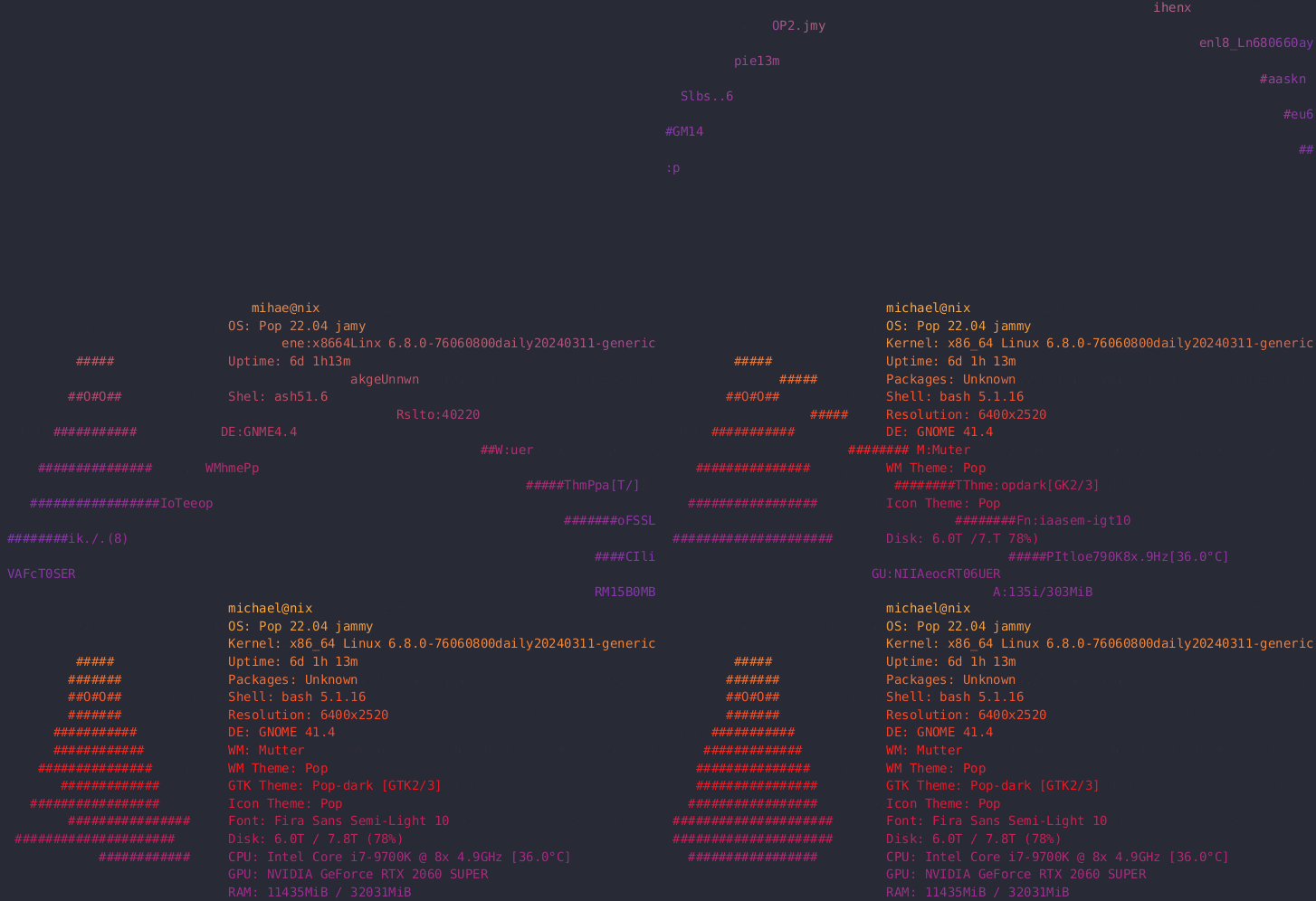
Animate fetch output on shell launch using screenfetch:
Note
TTE is not a full terminal emulator, but it does parse common fetch-style input. Supported input includes SGR foreground/background colors, common cursor movement CSI sequences, carriage returns, and selected DEC private mode toggles for cursor visibility and line wrapping. Unsupported control sequences still fail fast with an error so they do not leak into the rendered animation.
Community Effects
TTE 0.15.0 and later can load community effect modules without installing them into the TTE package. TTE
discovers custom effect modules in ${XDG_CONFIG_HOME}/terminaltexteffects/effects, or in
~/.config/terminaltexteffects/effects when XDG_CONFIG_HOME is unset, empty, or a relative path. Any .py
file in that directory that provides get_effect_resources() registers an effect command alongside the built-in
effects.
Installing a Community Effect
Download or clone the effect author's source, then place the flat effect .py module in the effects directory.
On macOS and Linux, for example:
mkdir -p "${XDG_CONFIG_HOME:-$HOME/.config}/terminaltexteffects/effects"
cp path/to/community_effect.py "${XDG_CONFIG_HOME:-$HOME/.config}/terminaltexteffects/effects/"
These commands use XDG_CONFIG_HOME as written. If it is set to a relative path, unset it or set it to an
absolute directory before running them; TTE ignores relative values and searches ~/.config instead.
Install any dependencies listed by the author into the same Python environment as TTE. The module
must expose get_effect_resources() and use APIs supported by the TTE version you have installed.
Check the author's stated supported TTE version, license, and installation notes before running it;
external effect modules execute as Python code in your environment. Then inspect its options and run it
like a built-in effect:
Replace community-effect with the effect command name documented by its author. The effect remains hosted and
maintained by its author.
Loading Behavior
If a custom effect module fails to import or register, TTE prints a warning naming the file to standard
error, skips that module, and keeps the built-in effects and other valid custom effects available.
Each module is imported under its file name, so custom effect modules can import themselves and earlier-loaded
sibling files by name. A file named like a standard-library or installed module, such as random.py, is skipped
with a warning instead of replacing that module; rename the file to load it.
Differences in 0.15.0
The skip-with-warning protections are available on development main and are not in the published 0.15.0
package. In 0.15.0:
- A custom effect module that fails to import or register stops
ttefrom starting. Remove it from the effects directory to restore the built-in effects. - A module named like an installed module can replace it.
- An empty
XDG_CONFIG_HOMEdoes not fall back to~/.config, so unset an empty value.
Sharing Effects
Browse or share projects in the TTE Effect Show and Tell discussion category. Include a short demo, a source repository or public Gist, supported TTE version, installation and run steps, license, and maintenance status. A listing is a community sharing post; it does not mean the effect is bundled with TTE or endorsed by its maintainers.
Developing Effects
For prototypes in a repository checkout, set TTE_DEV_EFFECTS_DIR to a directory of effect modules. These modules
use the same get_effect_resources() interface. This setting is development-only: it is not available in the
released 0.15.0 CLI, must be set explicitly, and does not affect bundled shell completion. Contributors can use
python -m tools.dev <effect> from a checkout to load its dev_effects/ directory.
Reproducible Example
Run this command in Bash (including Git Bash) or a compatible POSIX shell. It pipes literal
input into Wipe, fixes the canvas, and disables colors and playback delay. Global options
precede the effect name; effect options follow it. The animation ends with Hi.
printf 'Hi' | tte --seed 16 --frame-rate 0 --no-color \
  --canvas-width 2 --canvas-height 1 --ignore-terminal-dimensions \
  wipe --final-gradient-stops ffffff --final-gradient-steps 1 --final-gradient-frames 1
With --frame-rate 0, the animation plays as fast as possible. For normal playback, choose a nonzero frame rate or
omit --frame-rate.